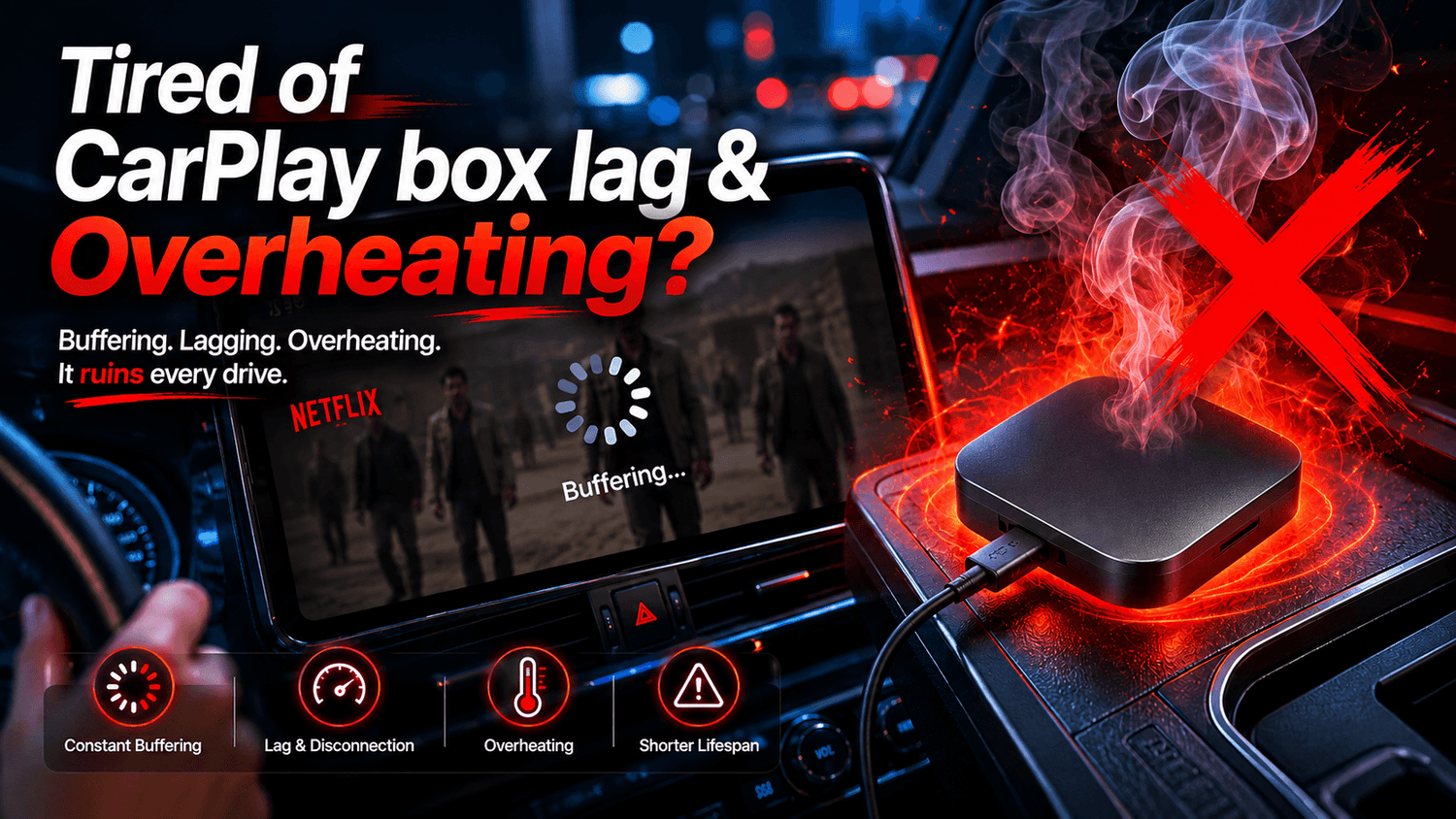
Imagine this: You’re cruising down the highway, your favorite Netflix show or YouTube podcast is playing perfectly on your car’s dashboard, and right at the most climaxing moment—the screen freezes. The audio glitches, the video buffers, and when you reach down to touch your CarPlay AI Box, it feels hot enough to fry an egg.
If this sounds familiar, you are not alone. Lagging, choppy video, and extreme overheating are the most common complaints from wireless CarPlay adapter users worldwide. But why does this happen, and how can you fix it?

🛑 Quick Answer: Why is your CarPlay AI Box lagging and overheating?
CarPlay AI Boxes typically lag or overheat due to underpowered processors (like the outdated Qualcomm cpu), low RAM (4GB or less), and poor passive thermal design inside closed car compartments. To fix buffering instantly, drivers should lower streaming resolution, clear background apps, optimize physical placement, or upgrade to a high-performance 8-core device with structured cooling like the Transcend Car Box.
The Root Causes: Why Do CarPlay Boxes Turn Into Ovens?
To fix the issue, we first need to understand the hardware strain happening behind your dashboard. Running a full Android ecosystem through a car’s factory wired CarPlay protocol is incredibly resource-intensive.
-
The Chipset Trap: Many cheap, generic AI boxes on the market still use ancient 4-core or weak 8-core processors (such as the Qualcomm 2290). When forced to decode heavy 1080p video streams while managing GPS, they instantly hit 100% CPU capacity, generating massive heat.
-
The RAM Bottleneck: A 4GB RAM configuration is no longer enough. Android background processes quickly eat up this memory, leaving almost zero space for Netflix or YouTube to buffer smoothly.
-
The Car "Oven" Effect: Car center consoles, gloveboxes, and armrests are completely unventilated. On a warm day, the ambient temperature inside these closed compartments can spike past 140°F (60°C). Without proper thermal engineering, the box triggers "thermal throttling"—deliberately slowing itself down to prevent catching fire, which causes your video to lag.
5 Tips to Fix CarPlay AI Box Buffering & Overheating
Before you throw your device out the window, try these five step-by-step troubleshooting hacks to optimize your current setup.
Tip 1: Adjust In-App Streaming Quality
Most car infotainment screens are between 8 to 11 inches and max out at a modest resolution. Running videos in 1080p or 4K is completely unnecessary and overworks the box’s GPU.
-
How to do it: Open the settings inside your Netflix, YouTube, or Prime Video app. Drop the playback quality down to 720p. The picture will still look incredibly sharp on your dashboard, but it reduces the CPU’s decoding workload by nearly 50%, immediately lowering temperatures.
Tip 2: Kill Unnecessary Background Apps
Just like your smartphone, running too many apps simultaneously will paralyze your CarPlay box.
-
How to do it: Go to Android Settings > Apps > Running Services, and close anything you aren't using. If your box allows it, enable Developer Options and set a "Background Process Limit." Alternatively, get into the habit of restarting the box once a week to flush out cached memory.
Tip 3: Optimize Physical Placement
Shoving your AI box deep into a crowded center console or glove compartment is a recipe for thermal throttling.
-
How to do it: Use a slightly longer, high-quality braided USB cable. Bring the device out into the open air. Position it near an AC vent if possible,or place it in an open tray where air can naturally circulate around the casing.

Tip 4: Switch to a 5GHz Wi-Fi Band & Verify APN Settings
Sometimes, "lag" isn't a hardware slowdown—it's a weak data connection. If you are hotspotting from your phone, 2.4GHz bands can suffer from severe vehicle interference.
-
How to do it: Force your phone's hotspot to output at 5GHz. If you are using a native North American SIM card (like T-Mobile or AT&T) directly inside the box, double-check that your APN settings are perfectly configured (e.g.,
fast.t-mobile.comfor T-Mobile) to avoid cellular throttling.
Tip 5: Limit Built-in GPS High-Frequency Refresh Rates
Many boxes have integrated GPS chips that aggressively ping satellites every millisecond, creating heavy background CPU load.
-
How to do it: If you are using your car’s native navigation or relying on your phone, go into the AI box's location settings and deny location permissions for apps that don't strictly require it.
The Permanent Solution: Upgrade to the Transcend Car Box
While software tweaks can act as a temporary band-aid, they cannot fix fundamentally weak hardware. If you are tired of constant buffering, it is time to upgrade to a device built specifically for heavy 2026 streaming demands: the Transcend Car Box.

The Transcend Car Box eliminates lag at the hardware level, offering a night-and-day difference compared to cheap alternatives:
| Feature & Specs | Generic Cheap AI Box | Transcend Car Box |
| Processor | Outdated 4-Core / Low-tier 8-Core (6115) | Flagship Qualcomm 8-Core Chip (200% faster processing) |
| Memory Combo | 4GB RAM + 64GB ROM (Prone to crashes) | 8GB RAM + 128GB ROM (Lag-free multitasking) |
| Thermal Design | Sealed plastic casing (Traps heat) | Passive Cooling Vents + Thermal Pad |
| Boot Time | 40 - 60 Seconds (Sluggish UI) | 15 - 20 Seconds Lightning-Fast Boot |
Thanks to its proprietary ventilation and internal cooling silicone pads, the Transcend Car Box runs up to 22°C (71°F) cooler than the competition. It handles hours of continuous high-definition streaming without ever hitting thermal throttling limits.

People Also Ask (PAA)
No, it will not damage your car's physical USB port. Car USB ports have built-in fuse protections. However, extreme heat will degrade the internal components of the AI box itself, leading to permanent hardware failure, boot loops, and dead SIM card slots over time.
Why does Netflix buffer on my CarPlay box but works fine on my phone?
Your modern smartphone is equipped with cutting-edge processors and advanced modems designed to handle immense data tracking. Most generic CarPlay boxes use older, budget-tier chips that simply lack the raw processing power required to decode encrypted DRM video streams like Netflix smoothly.
Never Experience Streaming Lag Again
Don’t let an underpowered gadget ruin your road trips or movie nights in the driveway. It's time to stop troubleshooting and start enjoying the ride.
👉 Ready for a zero-lag, perfectly cooled in-car entertainment experience? Check out the flagship [Transcend Car Box] today and use coupon code "CS" at checkout for an exclusive 10% off!

コメントを書く
全てのコメントは、掲載前にモデレートされます
このサイトはhCaptchaによって保護されており、hCaptchaプライバシーポリシーおよび利用規約が適用されます。