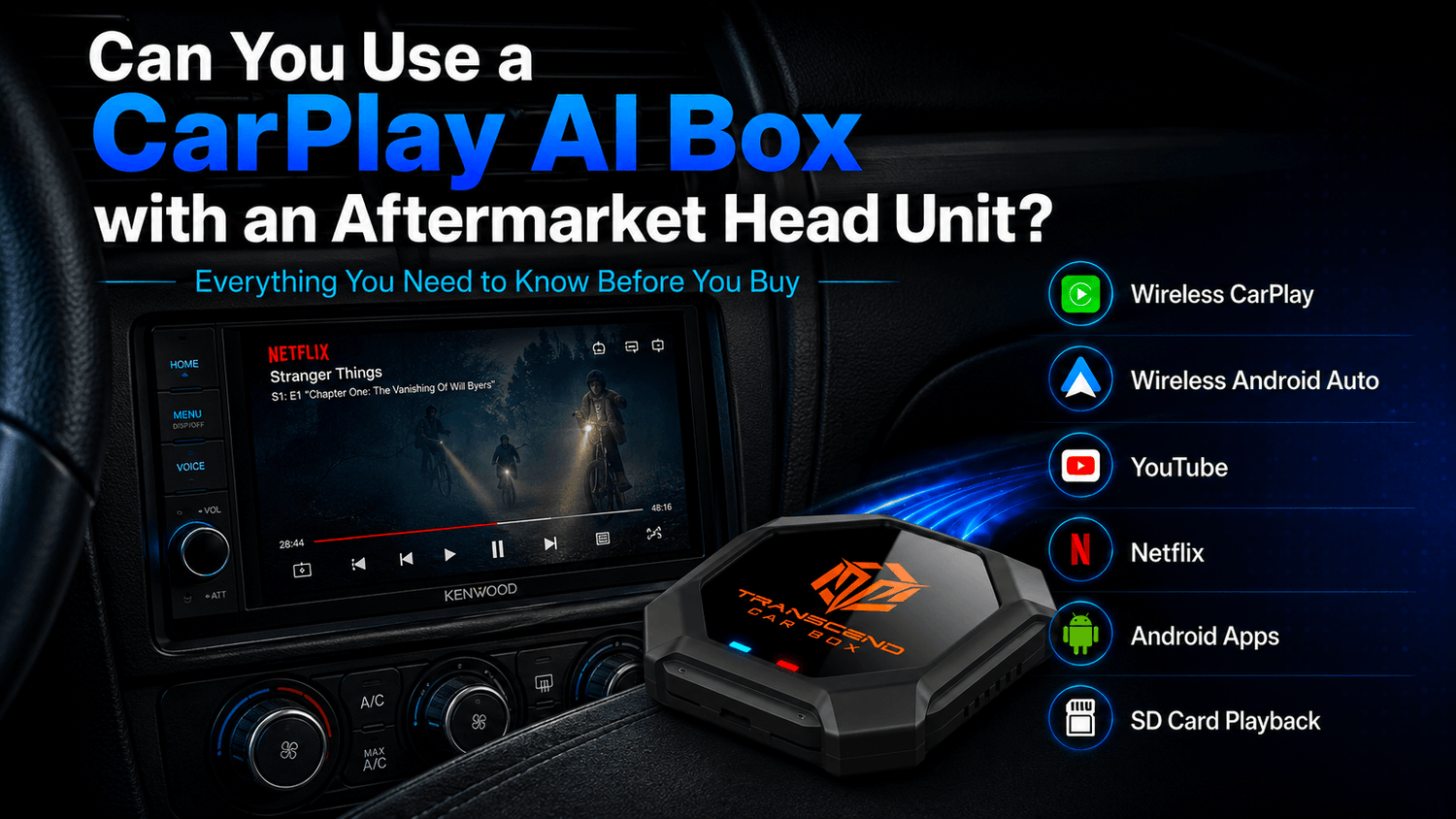

Many older vehicles did not come with factory Apple CarPlay or Android Auto. But that does not always mean you cannot use a CarPlay AI Box.
Today, many drivers upgrade older cars with aftermarket head units from brands such as Kenwood, Pioneer, Alpine, Sony, JVC, and other CarPlay or Android Auto-compatible stereo systems. These aftermarket screens can add modern features that the original vehicle did not have, including Apple CarPlay, Android Auto, Bluetooth, touchscreen control, navigation, and better audio options.
So the important question is:
Can you use a CarPlay AI Box with an aftermarket head unit?
The short answer is: maybe, if your aftermarket head unit supports wired CarPlay or wired Android Auto through a USB data connection.
Transcend Car Box may work with compatible aftermarket head units that can launch wired CarPlay or wired Android Auto through USB. Compatibility depends on the head unit brand, model, firmware, USB port design, and how the system handles CarPlay or Android Auto connections.
In this guide, we’ll explain how compatibility works, how to check your aftermarket head unit before buying, and what Transcend Car Box can add to a compatible aftermarket screen.
Quick Answer: Can You Use a CarPlay AI Box with an Aftermarket Head Unit?
Yes. Transcend Car Box may work with aftermarket head units that support wired CarPlay or wired Android Auto through a USB data connection.
If your aftermarket head unit can launch Apple CarPlay or Android Auto when a phone is connected by USB, it may be compatible with a CarPlay AI Box.
However, you should not assume that every aftermarket head unit will work. Compatibility can vary depending on:
-
Head unit brand
-
Head unit model
-
Firmware version
-
Wired CarPlay or wired Android Auto behavior
Bluetooth alone is not enough. USB music playback is not enough. A charging-only USB port is not enough.
The key requirement is simple:
Your aftermarket head unit should be able to launch wired CarPlay or wired Android Auto through USB.
If you are not sure about the basic compatibility requirements, read our CarPlay AI Box Compatibility Guide before ordering.
What Is an Aftermarket Head Unit?
An aftermarket head unit is a replacement car stereo or infotainment system installed after the vehicle leaves the factory.
Many drivers install an aftermarket head unit to upgrade an older car with modern features such as:
-
Apple CarPlay
-
Android Auto
-
Bluetooth
-
Touchscreen control
-
Navigation
-
Backup camera support
-
Audio upgrades
-
USB media playback
-
Better smartphone connection
Popular aftermarket head unit brands include Kenwood, Pioneer, Alpine, Sony, JVC, and many other Android or CarPlay-compatible stereo systems.

The important thing to understand is this:
Your original car may not support CarPlay, but your aftermarket head unit might.
In that case, compatibility depends more on the aftermarket head unit than on the original factory system.
For example, an older car that did not originally include CarPlay may still be able to use Transcend Car Box if the installed aftermarket head unit supports wired CarPlay or wired Android Auto through USB.
The Key Requirement: Wired CarPlay or Wired Android Auto
For Transcend Car Box, the most important requirement is whether your aftermarket head unit can launch wired CarPlay or wired Android Auto through a USB data port.
A compatible aftermarket head unit should not only charge your phone. It should be able to start CarPlay or Android Auto on the screen when you connect your phone with a USB data cable.
Your aftermarket head unit may be compatible if:
-
It supports wired Apple CarPlay
-
Or it supports wired Android Auto
-
CarPlay or Android Auto launches when a phone is connected by USB
-
The USB port supports data transfer
-
The head unit screen responds normally to wired CarPlay or wired Android Auto
Your aftermarket head unit may not be compatible if:
-
It only supports Bluetooth audio
-
It only supports USB music playback
-
The USB port only charges your phone
-
It only supports basic screen mirroring
-
It does not support wired CarPlay or wired Android Auto
-
CarPlay or Android Auto does not launch through USB
-
The system blocks third-party smart box devices
-
The model uses a restricted or non-standard CarPlay / Android Auto implementation
The safest way to check is to test the head unit with a phone before ordering.
How to Check Your Aftermarket Head Unit Before Buying

Before buying a CarPlay AI Box for an aftermarket head unit, use the steps below to check whether your system may be compatible.
Step 1: Check the head unit brand and model
Find the brand and model number of your aftermarket stereo. It may be printed on the device, shown in system settings, listed on the box, or included in the purchase record.
Common brands include:
-
Kenwood
-
Pioneer
-
Alpine
-
Sony
-
JVC
-
Other CarPlay or Android Auto aftermarket stereos
The model number matters because different models from the same brand can support different connection types.
Step 2: Test wired CarPlay with an iPhone
If you use an iPhone, connect it to the aftermarket head unit’s CarPlay USB port using a USB data cable.
If Apple CarPlay appears on the screen, the unit supports wired CarPlay.
If the phone only charges, or if only Bluetooth audio works, the head unit may not have the required wired CarPlay connection.
Step 3: Test wired Android Auto with an Android phone
If you use an Android phone, connect it to the head unit’s Android Auto USB port using a USB data cable.
If Android Auto appears on the screen, the unit supports wired Android Auto.
If Android Auto does not appear, check your cable, phone settings, and head unit settings.
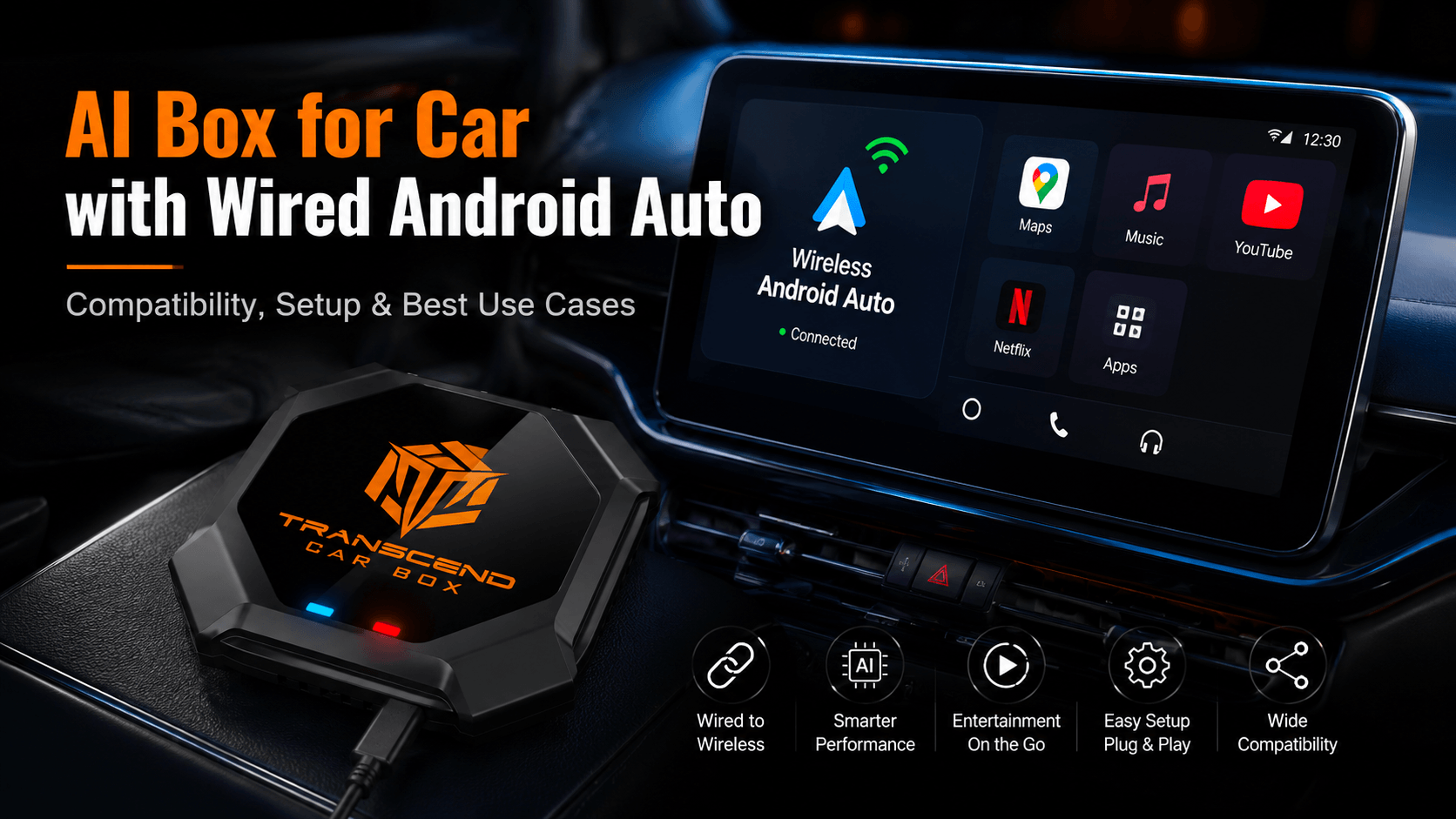
For more details about Android Auto compatibility and setup, you can also read our AI Box for Car with Wired Android Auto guide.
Step 4: Make sure you are using the correct USB port
Some aftermarket head units have more than one USB port. One port may support CarPlay or Android Auto, while another may only support charging or USB music playback.
Use the USB port that is designed for smartphone projection, CarPlay, or Android Auto.
Step 5: Update the head unit firmware if needed
Some connection issues may be related to outdated firmware. If wired CarPlay or wired Android Auto is unstable, check the head unit manufacturer’s support page for firmware updates.
Step 6: Contact support before ordering if unsure
If you are not sure whether your aftermarket head unit may be compatible, prepare the following information before contacting support:
-
Head unit brand
-
Head unit model number
-
Whether wired CarPlay works through USB
-
Whether wired Android Auto works through USB
This information can help reduce compatibility uncertainty before purchase.
Does Transcend Car Box Work with Kenwood Head Units?
Transcend Car Box may work with Kenwood head units that support wired CarPlay or wired Android Auto through a USB data connection.
If your Kenwood unit can launch Apple CarPlay or Android Auto when your phone is connected by USB, it may be compatible.
However, not every Kenwood model is the same. Compatibility can vary depending on:
-
Kenwood model number
-
Firmware version
-
USB port design
-
Wired CarPlay or Android Auto support
Do not assume that all Kenwood head units will work. Always test wired CarPlay or wired Android Auto first.
If wired CarPlay or wired Android Auto works through USB, Transcend Car Box may be a useful upgrade for adding wireless connection, Android apps, streaming apps, and media playback to the screen.
Does Transcend Car Box Work with Pioneer, Alpine, Sony, or JVC?
Some Pioneer, Alpine, Sony, and JVC aftermarket head units support wired CarPlay or wired Android Auto. If these systems can launch CarPlay or Android Auto through USB, they may work with Transcend Car Box.
However, compatibility is not guaranteed across all models.
For these brands, compatibility depends on:
-
Head unit model
-
Firmware version
-
USB data connection
-
CarPlay / Android Auto implementation
-
Whether the USB port supports data, not only charging or music playback
The best rule is simple:
If your aftermarket head unit can launch wired CarPlay or wired Android Auto through USB, it may be compatible.
If it cannot launch wired CarPlay or wired Android Auto with a phone, Transcend Car Box may not work with that head unit.
What Can a CarPlay AI Box Add to an Aftermarket Screen?
A basic aftermarket head unit may already give your car Apple CarPlay or Android Auto. But a CarPlay AI Box can add more features if the screen is compatible.
With Transcend Car Box, compatible aftermarket screens may gain access to:
-
Wireless CarPlay
-
Wireless Android Auto
-
Android apps
-
YouTube
-
Netflix
-
Disney+
-
Kodi
-
Music apps
-
Navigation apps
-
SD card offline video playback
-
Bluetooth accessories
-
Plug-and-play USB connection

This is useful for drivers who already upgraded their older car with an aftermarket screen but want more than basic CarPlay or Android Auto.
You can learn more about the device on the Transcend Car Box product page.
A basic aftermarket head unit may give you smartphone projection. Transcend Car Box can help turn a compatible screen into a smarter app and entertainment system.
Can You Watch YouTube or Netflix on an Aftermarket CarPlay Screen?
Native CarPlay and Android Auto are mainly designed for navigation, calls, messages, music, and driving-friendly apps. They usually do not allow video streaming apps such as YouTube, Netflix, Disney+, or Prime Video.
A basic wireless adapter usually does not add those apps either. It mainly removes the cable from CarPlay or Android Auto.
A CarPlay AI Box is different. It can provide an Android-based system that allows access to streaming apps on compatible screens.
That means a compatible aftermarket CarPlay or Android Auto screen may be able to use apps such as:
-
YouTube
-
Netflix
-
Disney+
-
Prime Video
-
YouTube TV
-
Tubi
-
Plex
-
Kodi
This makes Transcend Car Box useful for drivers who search for a car video box for an aftermarket stereo or want to watch Netflix on an aftermarket CarPlay screen while parked.
Video apps should only be used when the vehicle is parked or by passengers where legally allowed. Drivers should never watch videos while driving.
Aftermarket Head Unit vs Factory Screen: Does It Matter?
For many users, the key question is not whether the screen is factory or aftermarket.
The key question is:
Can the screen launch wired CarPlay or wired Android Auto through USB?
Factory screen
A factory screen may be compatible if it supports factory wired CarPlay or factory wired Android Auto.
Aftermarket head unit
An aftermarket head unit may be compatible if the installed head unit supports wired CarPlay or wired Android Auto through a USB data connection.
In other words, the connection type matters more than whether the screen came from the factory.
If your older vehicle did not originally come with CarPlay, but your installed aftermarket head unit supports wired CarPlay or wired Android Auto, Transcend Car Box may still be an option.
When a CarPlay AI Box May Not Work with an Aftermarket Head Unit
A CarPlay AI Box will not work with every aftermarket stereo. It is important to understand the limits before ordering.
Transcend Car Box may not be compatible if:
-
The head unit only supports Bluetooth audio
-
The head unit only supports USB music playback
-
The head unit only supports wireless CarPlay but not wired CarPlay
-
The USB port is charge-only
-
The head unit does not support CarPlay or Android Auto
If your head unit cannot launch wired CarPlay or wired Android Auto with a phone, Transcend Car Box may not be compatible.
This is why checking the USB data connection before buying is very important.
AI Box for Aftermarket CarPlay vs Basic Wireless Adapter
Many users compare a CarPlay AI Box with a basic wireless adapter. They may look similar, but they are designed for different needs.
A basic wireless adapter mainly removes the cable from CarPlay or Android Auto.
A CarPlay AI Box adds more features, including Android apps, streaming apps, SD card playback, wireless CarPlay, and wireless Android Auto.

| Feature | Basic Wireless Adapter | CarPlay AI Box |
|---|---|---|
| Wireless CarPlay | Yes, depending on model | Yes |
| Wireless Android Auto | Some models | Yes, depending on compatibility |
| Android-based system | No | Yes |
| YouTube / Netflix | Usually no | Yes, when safely parked |
| Android apps | No | Yes |
| SD card playback | No | Yes, depending on device |
| Best for | Removing the cable | Full screen upgrade |
If you only want to remove the cable, a basic wireless adapter may be enough.
If you want apps, streaming, offline playback, wireless CarPlay, wireless Android Auto, and a smarter aftermarket screen experience, a CarPlay AI Box is usually a better choice.
For a deeper comparison, read our CarPlay AI Box vs Wireless CarPlay Adapter guide.
Why Choose Transcend Car Box?
Transcend Car Box is designed for vehicles or compatible aftermarket head units with wired CarPlay or wired Android Auto.
For compatible users, it can add:
-
Wireless CarPlay
-
Wireless Android Auto
-
Android apps
-
YouTube
-
Netflix
-
Disney+
-
Kodi
-
SD card offline playback
-
Bluetooth accessories
-
Plug-and-play USB connection
It is also built with strong hardware for a smoother smart screen experience:
-
Qualcomm 665 processor
-
8GB RAM
-
128GB storage
-
Android-based system
Transcend Car Box also provides:
-
Global free shipping
-
30-day return policy
-
365-day warranty
-
24-hour support
It is a practical option for users who want to upgrade a compatible factory screen or aftermarket screen without replacing the entire infotainment system again.
What Information Should You Prepare Before Ordering?
If you are not sure whether your aftermarket head unit is compatible, prepare the following information before contacting support:
-
Aftermarket head unit brand
-
Head unit model number
-
Whether wired CarPlay works through USB
-
Whether wired Android Auto works through USB
The more details you provide, the easier it is to check whether your setup may work with Transcend Car Box.
If you still have questions about setup, compatibility, shipping, returns, or warranty, visit our FAQs before ordering.
FAQ
Can I use a CarPlay AI Box with an aftermarket head unit?
Yes. Transcend Car Box may work with aftermarket head units that support wired CarPlay or wired Android Auto through a USB data connection.
Does Transcend Car Box work with Kenwood?
It may work with Kenwood head units that support wired CarPlay or wired Android Auto through USB. Compatibility depends on the specific Kenwood model, firmware, and USB connection.
Does Transcend Car Box work with Pioneer, Alpine, Sony, or JVC?
Some Pioneer, Alpine, Sony, and JVC models may be compatible if they support wired CarPlay or wired Android Auto through USB. Always test the wired connection first.
Do I need factory CarPlay to use Transcend Car Box?
Not always. A compatible aftermarket head unit with wired CarPlay or wired Android Auto may also work.
Can I use Transcend Car Box if my aftermarket stereo only has Bluetooth?
Usually no. Bluetooth alone is not enough. The head unit needs wired CarPlay or wired Android Auto through USB.
Can I use Transcend Car Box if my USB port only plays music?
Usually no. USB music playback is not the same as wired CarPlay or wired Android Auto. The USB port needs to support smartphone projection through CarPlay or Android Auto.
Can I watch Netflix or YouTube on an aftermarket CarPlay screen?
With a compatible CarPlay AI Box, you can access streaming apps through its Android-based system. Video apps should only be used when parked or by passengers where legally allowed.
How do I check compatibility before ordering?
Connect an iPhone or Android phone to the head unit’s USB data port. If wired CarPlay or wired Android Auto launches on the screen, the head unit may be compatible.
What if my aftermarket head unit only supports wireless CarPlay?
If the head unit only supports wireless CarPlay and does not support wired CarPlay or wired Android Auto through USB, compatibility may be limited. Transcend Car Box usually needs a wired CarPlay or wired Android Auto USB data connection.
Final Recommendation
If your older vehicle has an aftermarket head unit that supports wired CarPlay or wired Android Auto, Transcend Car Box may be a useful upgrade.
It can add wireless CarPlay, wireless Android Auto, Android apps, YouTube, Netflix, Disney+, SD card playback, and more to a compatible screen.
Before ordering, confirm that your aftermarket head unit can launch wired CarPlay or wired Android Auto through USB.
If your head unit passes that test and you want more than a basic wireless adapter, Transcend Car Box can help turn your aftermarket screen into a smarter entertainment and connectivity system.

Leave a comment
All comments are moderated before being published.
This site is protected by hCaptcha and the hCaptcha Privacy Policy and Terms of Service apply.