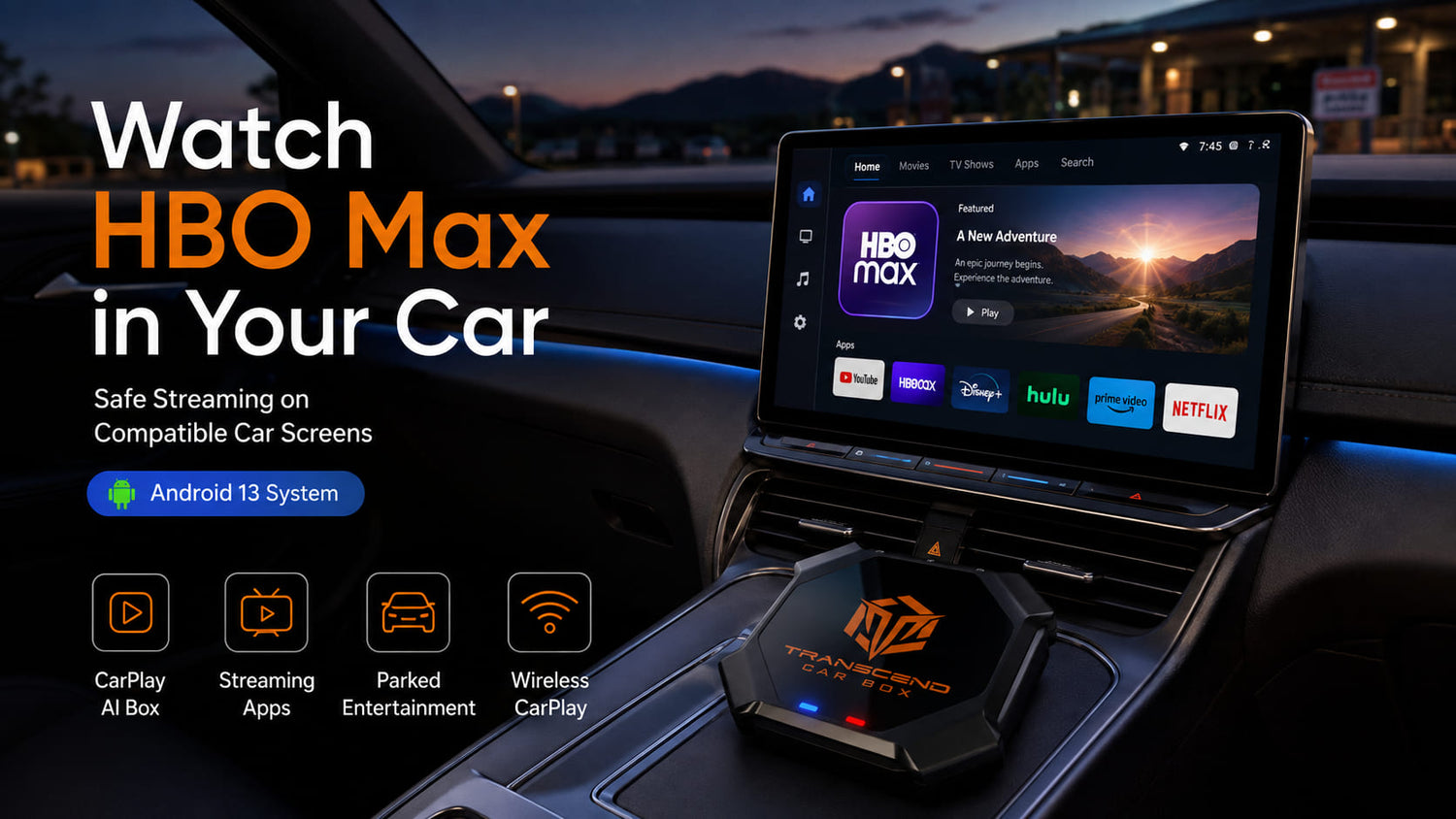
Want to watch HBO Max in your car?
You are not alone.
Many drivers and passengers want to use the car screen for movies, shows, family entertainment, and road trip breaks. Maybe you are waiting in a parking lot. Maybe your kids are getting restless during a long trip. Maybe you are parked at a campsite, rest stop, or school pickup line.
The big question is simple:
Can you watch HBO Max on your car screen?
The answer depends on your setup.
Native Apple CarPlay and Android Auto are mainly designed for driving-friendly apps, not full video streaming apps like HBO Max. Google’s car app guidance separates driving-focused media experiences from video-style experiences, and HBO Max’s own support page lists supported device categories such as phones, tablets, computers, TVs, streaming players, set-top boxes, and game consoles rather than standard car screens.
But if your vehicle screen supports wired CarPlay or wired Android Auto through a USB data connection, a CarPlay AI Box such as Transcend Car Box may give you another option.
Quick Answer: Can You Watch HBO Max in Your Car?
Yes, you can watch HBO Max in your car using a phone, tablet, rear entertainment system, or a compatible CarPlay AI Box setup.
However, native Apple CarPlay and Android Auto usually do not display HBO Max directly on the main car screen like a normal video app.
With a compatible vehicle screen and a CarPlay AI Box, you may be able to access Android-based apps and streaming apps on the car display.
For Transcend Car Box, the key requirement is simple:
Your vehicle needs to support wired CarPlay or wired Android Auto through a USB data connection.
Can You Watch HBO Max on Apple CarPlay?

In most vehicles, HBO Max is not available as a normal native Apple CarPlay video app.
Apple CarPlay is mainly built around apps that are appropriate for the driving environment, such as navigation, calls, messages, music, podcasts, and vehicle-related controls. Apple has also introduced newer CarPlay video-related capabilities that depend on automaker and supported screen implementation, but that does not mean HBO Max automatically works on every CarPlay screen.
So if you plug your iPhone into CarPlay, you should not expect HBO Max to appear like Spotify, Apple Maps, or phone calls.
For most users who want HBO Max on the car screen, a different setup is needed.
That may be:
- a phone or tablet
- a rear entertainment screen
- a vehicle with supported parked video features
- a compatible CarPlay AI Box
Can You Watch HBO Max on Android Auto?
In most cases, HBO Max is not available as a normal native Android Auto video app.
Android Auto is designed for in-car use, with a strong focus on navigation, communication, audio, and simplified experiences. Google’s Android for Cars documentation notes that media apps for cars focus on audio content, while video and parked/passenger experiences are handled as separate app categories and platform experiences.
That means Android Auto is not the same as having a full Android tablet on your dashboard.
You can use Android Auto for maps, calls, music, messages, and supported driving-friendly apps. But you usually cannot open HBO Max directly through Android Auto as a normal video streaming app on the car screen.
A CarPlay AI Box works differently because it can provide an Android-based system on a compatible vehicle display.
Safe Ways to Watch HBO Max in Your Car
There are several ways to watch HBO Max in the car. The right option depends on whether you want a quick personal screen or a larger shared screen experience.
Option 1: Use a Phone or Tablet
The simplest way to watch HBO Max in your car is to use a phone or tablet while parked.
This works well for:
- quick parking lot waits
- kids watching in the back seat
- school pickup lines
- rest stops
- lunch breaks
- short road trip pauses
The downside is that a phone screen can feel small. A tablet is better, but it still requires charging, positioning, and storage.
For one person, a phone or tablet may be enough.
For passengers who want a larger shared screen, the car display may feel more comfortable.
Option 2: Use a Rear Seat Entertainment System
Some vehicles include rear entertainment screens or HDMI input.
This can be useful for families, especially on long road trips. Kids in the back seat can watch content without using the front display.
However, many vehicles do not have rear entertainment screens. Some systems may also require extra cables, external streaming devices, or subscriptions.
Option 3: Use a CarPlay AI Box
A CarPlay AI Box can add an Android-based system to a compatible car screen.
With a compatible setup, Transcend Car Box may let you access Android apps, streaming apps, offline media, wireless CarPlay, and wireless Android Auto from your vehicle display.
This is the option that best fits people who want:
- a larger car screen experience
- streaming apps on a compatible display
- wireless CarPlay
- wireless Android Auto
- Android apps
- SD card offline video playback
- a cleaner dashboard setup than using a loose tablet
How Transcend Car Box Helps You Watch HBO Max on a Compatible Car Screen
A CarPlay AI Box helps because it gives your compatible car screen a separate Android-based system instead of relying only on native Apple CarPlay or Android Auto.
That matters because HBO Max usually does not appear as a regular video streaming app inside native CarPlay or Android Auto. When you plug in your phone, CarPlay and Android Auto are mainly designed for maps, calls, messages, and audio apps — not full video streaming apps.
Transcend Car Box works differently.
When connected to a compatible vehicle screen that supports wired CarPlay or wired Android Auto through USB, Transcend Car Box can launch its own Android 13 interface on the car display. From there, you may be able to use Android-based entertainment apps, including streaming apps such as HBO Max.
For example, after setting up Transcend Car Box on a compatible screen, you can connect to the internet through a phone hotspot or vehicle Wi-Fi, open the Android app interface, sign in to your HBO Max account, and stream shows or movies while the vehicle is parked.
Instead of watching HBO Max only on a small phone screen, passengers may get a larger shared screen experience through the vehicle display.
Transcend Car Box can also help beyond HBO Max. On compatible screens, it can add wireless CarPlay, wireless Android Auto, Android apps, SD card offline video playback, Bluetooth accessories, and more.
However, it is important to understand the requirement: your car must support wired CarPlay or wired Android Auto through a USB data connection. Bluetooth alone is not enough, and a charge-only USB port will not work.
What You Need Before Watching HBO Max with Transcend Car Box
Before buying a CarPlay AI Box for HBO Max or other streaming apps, check your car first.
You will need:
- a compatible vehicle screen
- wired CarPlay or wired Android Auto support
- a USB data port
- a data cable for testing
- internet connection or hotspot
- an HBO Max account
- parked or passenger-safe use
The most important compatibility point is the USB connection.
A charge-only USB port is not enough.
Bluetooth alone is not enough.
USB music playback is not the same as wired CarPlay or wired Android Auto.
Your car screen needs to launch wired CarPlay or wired Android Auto through USB.
How to Check If Your Car Screen Is Compatible

You can do a simple test before ordering.
Step 1: Test Wired CarPlay
Connect your iPhone to your vehicle’s USB data port using a data cable.
If Apple CarPlay launches on the car screen, your vehicle may be compatible with Transcend Car Box.
If your phone only charges, try another USB port or another cable.
Step 2: Test Wired Android Auto
Connect an Android phone to your vehicle’s USB data port using a reliable data cable.
If Android Auto launches on the car screen, your vehicle may be compatible.
If Android Auto does not start, check your phone settings, cable, USB port, and vehicle settings.
Step 3: Confirm the USB Port Supports Data
Some vehicles have multiple USB ports.
One port may support data transfer. Another port may only charge.
For Transcend Car Box, you need the USB port that starts wired CarPlay or wired Android Auto.
Read the full compatibility guide.
When Would You Watch HBO Max in the Car?
HBO Max in the car is not about watching while driving.
It is about making parked time and passenger time more comfortable.

Family Road Trips
Long road trips can be exciting, but they also involve waiting.
You may stop at a rest area, grab lunch, wait in a hotel parking lot, or take a break before the next stretch of driving.
During those parked moments, passengers can watch shows or movies on a larger shared screen instead of everyone crowding around a phone.
This can be especially helpful when kids get restless during long waits or road trip breaks.
School Pickup Waiting
Parents often spend time waiting outside school, sports practice, tutoring, or after-school activities.
Instead of sitting in silence or handing over a phone, a compatible car screen can become a more comfortable entertainment screen while parked.
Passengers can watch a short episode, listen to music, or use apps until it is time to go.
Camping or Tailgating
If your car is parked at a campsite, tailgate, beach lot, or outdoor event, a larger screen can be useful.
Passengers can enjoy a show, a movie, or offline media while the vehicle is parked.
For areas with weak signal, SD card offline playback can be a helpful backup if you prepare media ahead of time.
Lunch Breaks and Parking Lots
Some people spend a lot of time in their vehicle during work breaks, delivery breaks, lunch breaks, or parking lot waits.
A phone works, but a car screen can feel more natural and comfortable.
With the right compatible setup, Transcend Car Box can help make parked downtime more useful.
Passenger Entertainment
Passengers may prefer a shared screen instead of watching separately on small devices.
This can be useful for families, couples, and friends during parked breaks, road trips, or long waits.
Do You Need Wi-Fi or a Hotspot to Watch HBO Max in the Car?
Yes. HBO Max streaming requires an internet connection.
In the car, that usually means:
- phone hotspot
- vehicle Wi-Fi
- mobile data connection
- portable Wi-Fi device
Streaming quality depends on your mobile signal, data plan, hotspot speed, and location.
If you are in an area with weak signal, streaming may buffer or fail. In that case, offline video playback from an SD card can be a useful alternative for prepared media.
HBO Max vs YouTube, Netflix, Disney+, and Other Apps
HBO Max is only one example.
Many people who want HBO Max in the car also want access to other entertainment apps.
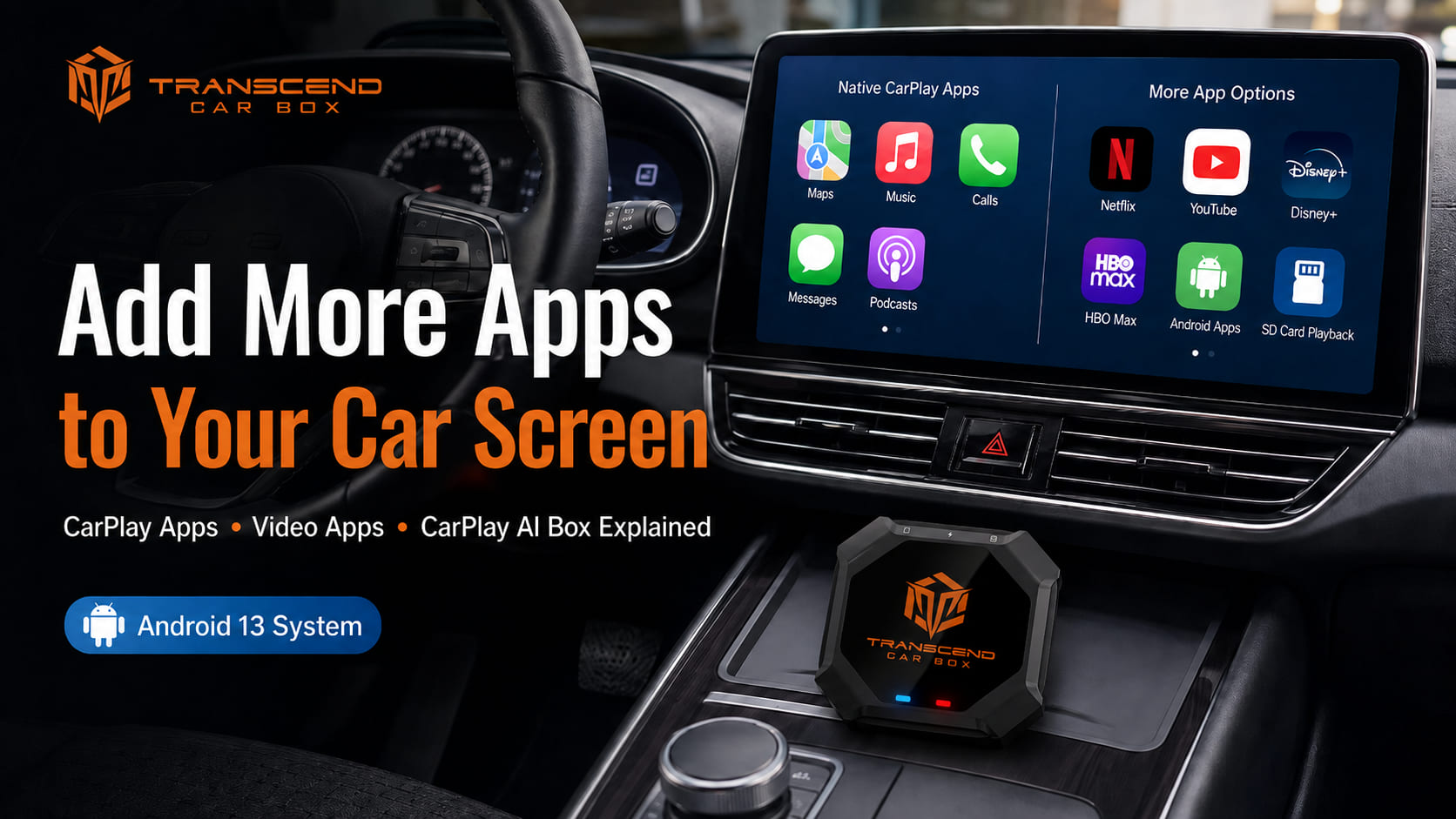
With a compatible CarPlay AI Box setup, you may also use apps such as:
- YouTube
- Netflix
- Disney+
- Kodi
- music apps
- navigation apps
- offline media apps
Click here to read the guide about how to watch Netflix on CarPlay.
CarPlay AI Box vs Phone or Tablet: Which Is Better?
A phone or tablet is the simplest way to watch HBO Max in the car.
It does not require car compatibility. It is quick, familiar, and easy.
But it also has limitations:
- smaller screen
- battery drain
- messy cables
- overheating risk
- harder for multiple passengers to share
- less integrated with the car screen
A CarPlay AI Box may be better if you want:
- a larger shared car screen
- cleaner dashboard setup
- wireless CarPlay
- wireless Android Auto
- Android apps
- SD card offline playback
- parked passenger entertainment
The best choice depends on your goal.
Use a phone or tablet for simple personal viewing.
Use a CarPlay AI Box if you want a more complete smart screen experience on a compatible vehicle display.
Why Choose Transcend Car Box?
Transcend Car Box is designed for drivers who want more than basic smartphone projection on a compatible car screen.

It can add wireless connection, apps, entertainment, offline media, and smart features to compatible vehicles.
Key features include:
- Android 13 system
- Qualcomm 665 processor
- 8GB RAM
- 128GB storage
- wireless CarPlay
- wireless Android Auto
- Android apps
- SD card offline video playback
- Bluetooth accessories
- plug-and-play USB connection
It also includes:
- global free shipping
- 30-day return policy
- 365-day warranty
- 24-hour support
For people who want HBO Max, YouTube, Netflix, Disney+, offline media, and wireless phone connection on a compatible screen, Transcend Car Box can be a practical upgrade.
FAQ
Can I watch HBO Max in my car?
Yes. You can watch HBO Max in your car using a phone, tablet, rear entertainment system, or compatible CarPlay AI Box setup.
Can I watch HBO Max on Apple CarPlay?
Not normally. Native Apple CarPlay does not usually display video streaming apps like HBO Max directly on every car screen. But with a CarPlay box, you can watch HBO Max on CarPlay.
Can I watch HBO Max on Android Auto?
Not normally. Android Auto is designed mainly for driving-friendly apps such as navigation, communication, and audio media.But with a CarPlay box, you can watch HBO Max on Android auto.
Can Transcend Car Box play HBO Max?
On a compatible vehicle screen, Transcend Car Box allow access to Android-based apps, including streaming apps, such as HBO Max, Disney+,Prime video.
Do I need Wi-Fi to watch HBO Max in the car?
Yes. HBO Max streaming requires an internet connection.
In the car, this usually means a phone hotspot, vehicle Wi-Fi, or mobile data connection.
Can kids watch HBO Max on a car screen during road trips?
Passengers can use video apps while the vehicle is parked or where legally allowed.
This can be useful during rest stops, school pickup waiting, parking lot breaks, or long family trips.
Does this work with every car?
No. Transcend Car Box requires a compatible vehicle screen that supports wired CarPlay or wired Android Auto through a USB data connection.
Can I use Transcend Car Box if my car only has Bluetooth?
Usually no. Bluetooth alone is not enough.
Your car needs to support wired CarPlay or wired Android Auto through a USB data connection.
Is a CarPlay AI Box better than a tablet?
A tablet is simple and works for personal viewing.
A CarPlay AI Box may be better if you want a larger shared screen, wireless CarPlay, wireless Android Auto, Android apps, SD card playback, and a cleaner dashboard setup on a compatible vehicle screen.
Can I watch HBO Max while driving?
Transcend Car Box can play HBO Max while driving.But drivers should never watch videos while driving.Video apps should only be used while parked or by passengers where legally allowed.
Final Recommendation
If you want to watch HBO Max in your car, the simplest option is a phone or tablet.
But if you want a cleaner shared-screen experience on a compatible vehicle display, Transcend Car Box may be a better fit.
It can add an Android 13-based smart system, wireless CarPlay, wireless Android Auto, Android apps, streaming apps, SD card offline playback, Bluetooth accessories, and more to compatible car screens.
Before ordering, confirm that your vehicle supports wired CarPlay or wired Android Auto through a USB data connection.
Don't hesitate, there's a promotion now! Get a Transcend Car Box for only $239 USD. Free worldwide shipping.

コメントを書く
全てのコメントは、掲載前にモデレートされます
このサイトはhCaptchaによって保護されており、hCaptchaプライバシーポリシーおよび利用規約が適用されます。